Top 12 Customer Feedback Collection Tools
In today's competitive landscape, understanding your customers is no longer a luxury-it's essential for survival. But how do you effectively listen to what they're saying? The answer lies in using dedicated customer feedback collection tools. These platforms go beyond simple suggestion boxes, offering sophisticated ways to capture insights across the entire customer journey.
Choosing the right tool can transform raw data into actionable strategies, helping you improve products, refine services, and build lasting loyalty. This guide cuts through the noise to help you find the perfect match. We will walk you through the best tools available, breaking down their specific strengths, potential weaknesses, and ideal use cases. When exploring the vast landscape of available solutions, you might find a comprehensive guide like the Top 12 Customer Feedback Collection Tools for 2025 from Tallyfeed particularly useful for deeper comparisons.
This list is designed to be a practical resource. Each entry includes screenshots and direct links, so you can quickly evaluate which platform best fits your team's workflow and business goals. Whether you're a small business owner, part of a customer support team, or a digital marketer, you'll find a solution here to start gathering meaningful feedback today.
1. Yoonoo
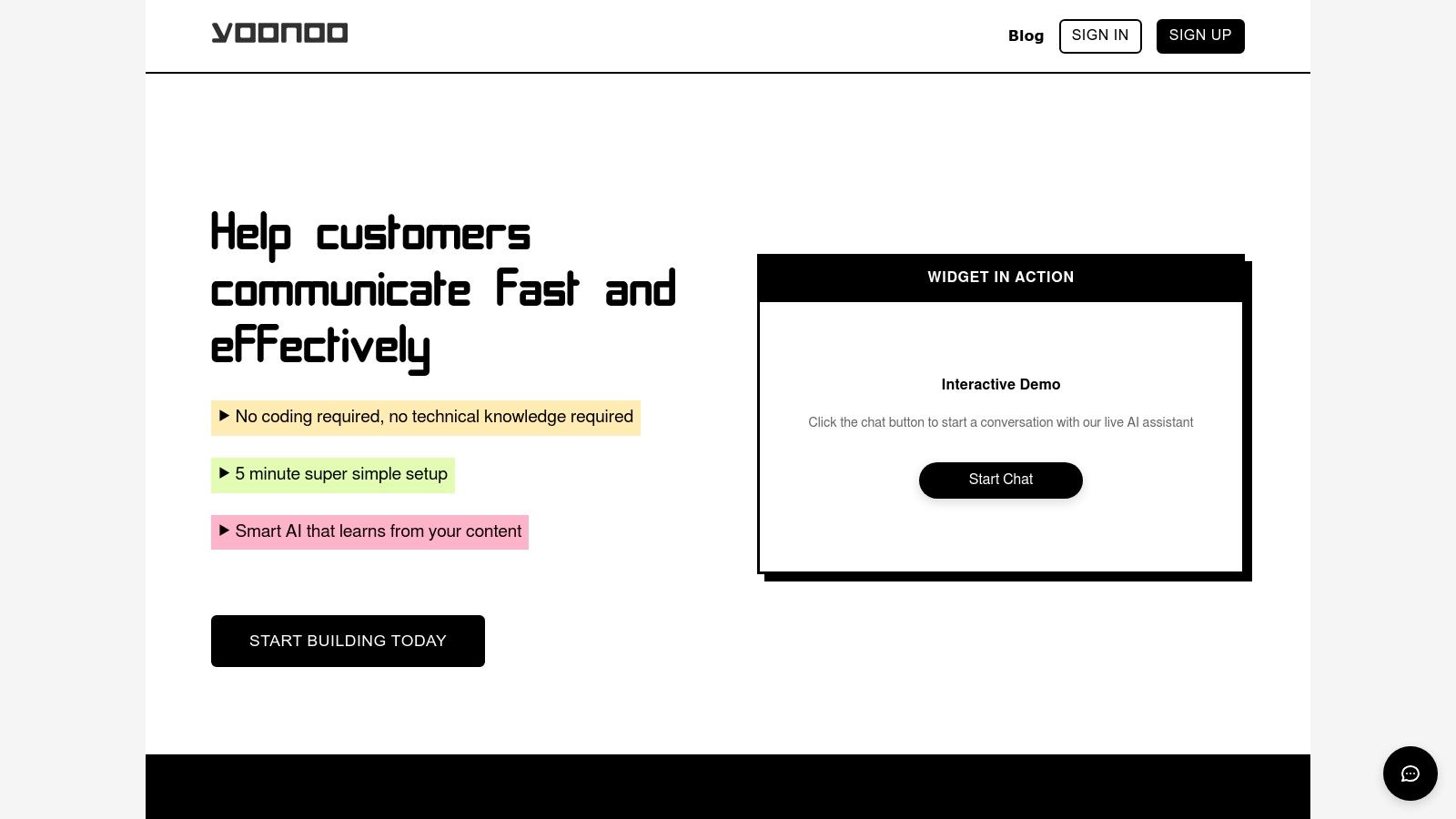
Yoonoo establishes itself as a premier choice among customer feedback collection tools by leveraging advanced AI to transform website interactions into valuable insights. Its primary strength lies in its no-code, five-minute setup, making sophisticated AI chatbot technology accessible to non-technical users like small business owners and marketers. The platform allows you to create a chatbot that learns directly from your existing content, such as web pages, documents, and PDFs. This ensures that customer interactions are always contextually relevant and accurate, providing a seamless user experience while gathering feedback organically through natural conversation.
Key Strengths and Use Cases
Yoonoo excels with its flexible integration options. You can deploy a classic chat widget or an innovative inline content chat, which allows users to ask questions and provide feedback directly within a specific article or product description. This targeted approach is perfect for e-commerce sites wanting to understand customer hesitation points or for support teams looking to gather feedback on specific help-desk articles.
Furthermore, its ability to automate draft email responses through API integrations with tools like Zapier and Make.com streamlines the entire feedback loop, ensuring no customer query goes unanswered.
Why It Stands Out: The pay-per-use pricing model is a significant differentiator. Businesses avoid subscription pressures by only paying for the messages they use, with the first ten indexed pages provided free. This cost-effective structure removes the barrier to entry for small to medium-sized businesses.
Pricing and Implementation
- Pricing Model: Credits-based, pay-as-you-go system ($0.002 per message). Credits do not expire.
- Free Tier: The first 10 indexed pages are free.
- Subscriptions: Monthly subscriptions are required for indexing more than 10 pages.
- Pros: Exceptionally fast no-code setup, intelligent AI that learns from your content, flexible chat integrations, and a highly cost-effective pricing model.
- Cons: Monthly costs for indexing a large volume of pages can accumulate, and highly advanced customizations may require some technical expertise.
Website: https://yoonoo.ai
2. Qualtrics XM
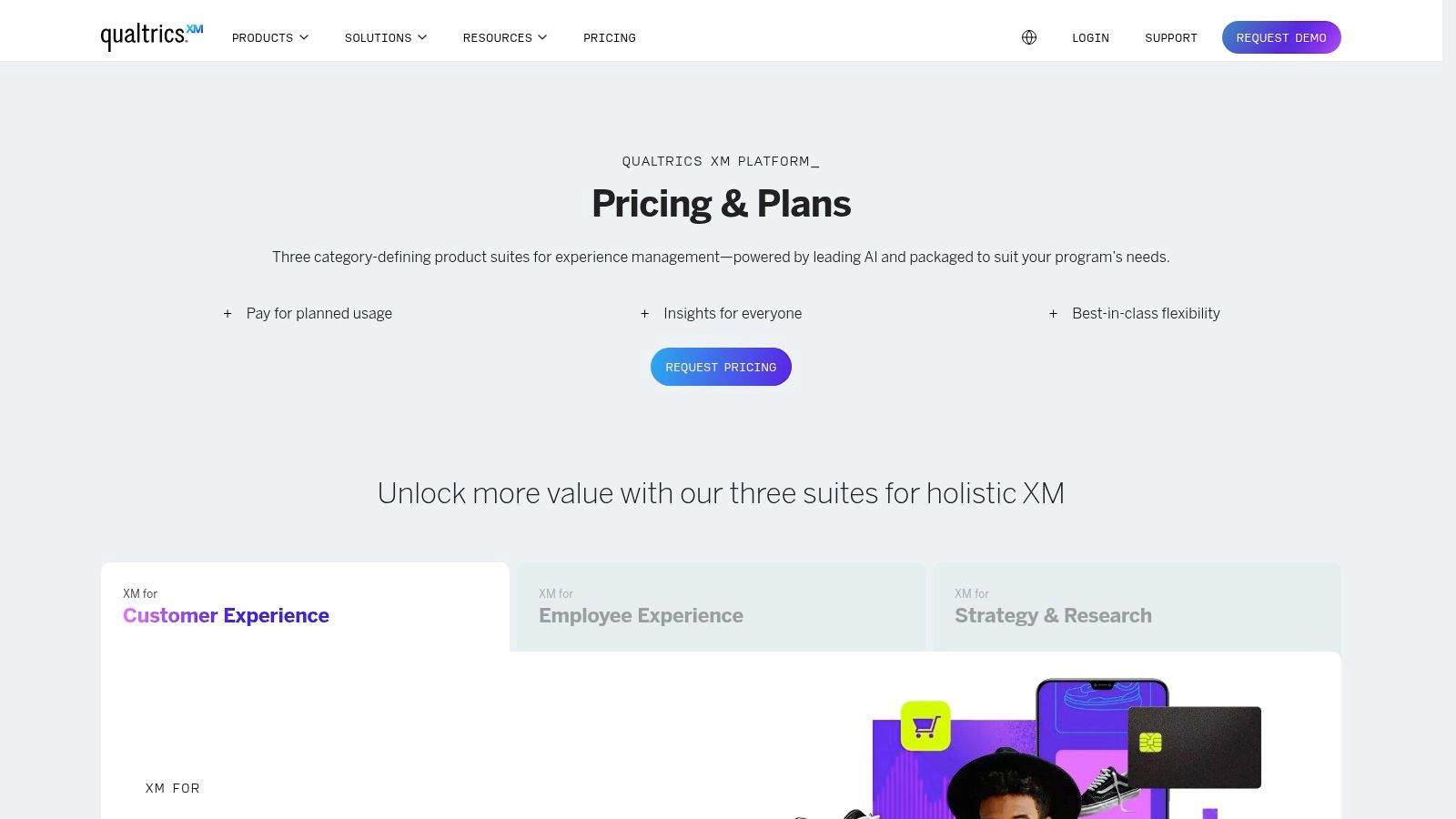
Qualtrics XM is an enterprise-level platform designed for comprehensive Experience Management (XM). It moves beyond simple surveys to provide a unified Voice of the Customer (VoC) program, making it one of the most powerful customer feedback collection tools for large organizations. It excels at capturing feedback from multiple channels, including surveys (NPS, CSAT, CES), web intercepts, and even contact center interactions, then bringing that data into a single, analyzable system.
The platform’s strength lies in its AI-driven analytics, which automatically identifies sentiment and key themes from open-text feedback. This allows teams to quickly understand the "why" behind customer scores. Its closed-loop feedback workflows ensure that customer issues are routed to the right teams for immediate follow-up, helping to improve retention and loyalty.
Key Details & Considerations
- Best For: Large enterprises needing a scalable, all-in-one solution to manage customer, employee, and brand experiences across different departments and global regions.
- Pricing: Custom quote-based. The robust feature set means it is a significant investment, often better suited for larger budgets. If you're exploring other platforms that offer similar functionalities to Qualtrics XM, you might consider these Qualtrics alternatives.
- Pros: Extremely broad and mature feature set, powerful AI analytics, and extensive integration capabilities with systems like Salesforce and SAP.
- Cons: The platform's complexity and cost can be prohibitive for small businesses, and a successful implementation requires dedicated planning and internal resources.
- Website: qualtrics.com/pricing
3. SurveyMonkey
SurveyMonkey is one of the most recognizable names in online surveys, offering a versatile platform that scales from individual users to large enterprises. It simplifies the process of creating and distributing surveys, making it an accessible choice among customer feedback collection tools. The platform provides an extensive library of templates for common feedback types, such as NPS and CSAT, alongside powerful survey logic to ensure you ask the right questions at the right time.
Its strength lies in its ease of use and quick deployment, allowing teams to launch feedback initiatives with minimal setup. For more advanced needs, SurveyMonkey integrates with popular business tools like Slack, Google Workspace, and Salesforce, with a dedicated app to automate program management within the CRM. This makes it simple to centralize feedback and trigger actions based on survey responses, connecting customer sentiment directly to business operations.
Key Details & Considerations
- Best For: Small to mid-sized businesses and teams needing a fast, reliable, and user-friendly tool for straightforward customer feedback, market research, and employee engagement surveys.
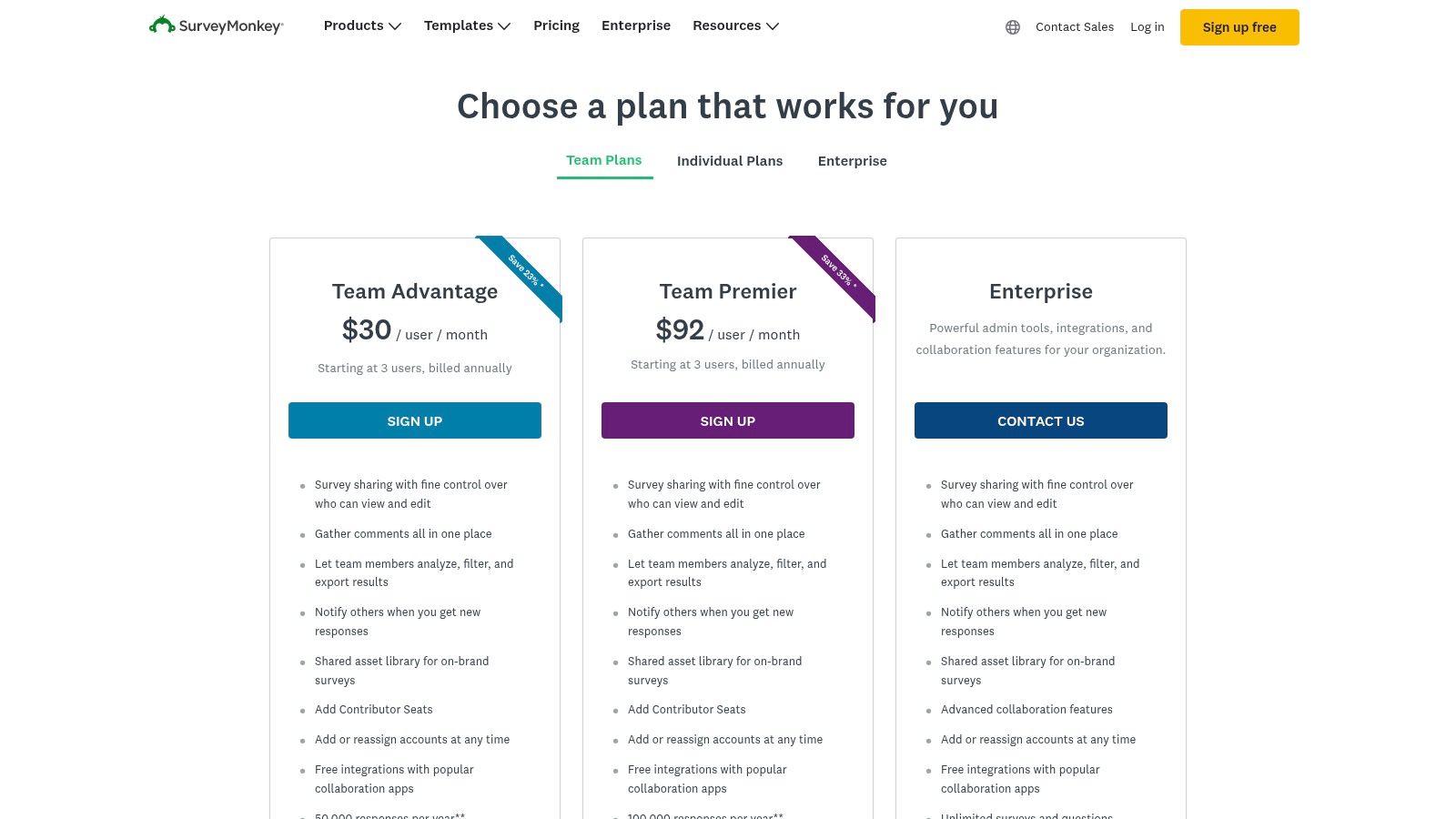
- Pricing: Offers a free basic plan with limitations. Paid plans start from individual tiers to team and enterprise packages, with pricing based on features and response limits. You can explore different customer satisfaction measurement methods to decide which plan fits your needs.
- Pros: Extremely fast to launch with a broad template gallery, strong brand trust, and an intuitive user interface with plenty of learning resources.
- Cons: Response and feature limits are restrictive on lower-tier plans, and advanced CX capabilities and analytics often require upgrading to more expensive enterprise plans.
- Website: surveymonkey.com/pricing
4. Typeform
Typeform redefines the traditional form by making data collection conversational and engaging. It excels at creating visually appealing surveys and forms that feel more like a friendly chat than a questionnaire, making it one of the most effective customer feedback collection tools for boosting response rates. Its one-question-at-a-time interface guides users smoothly, which is ideal for collecting product feedback, conducting market research, or capturing marketing leads without overwhelming the respondent.
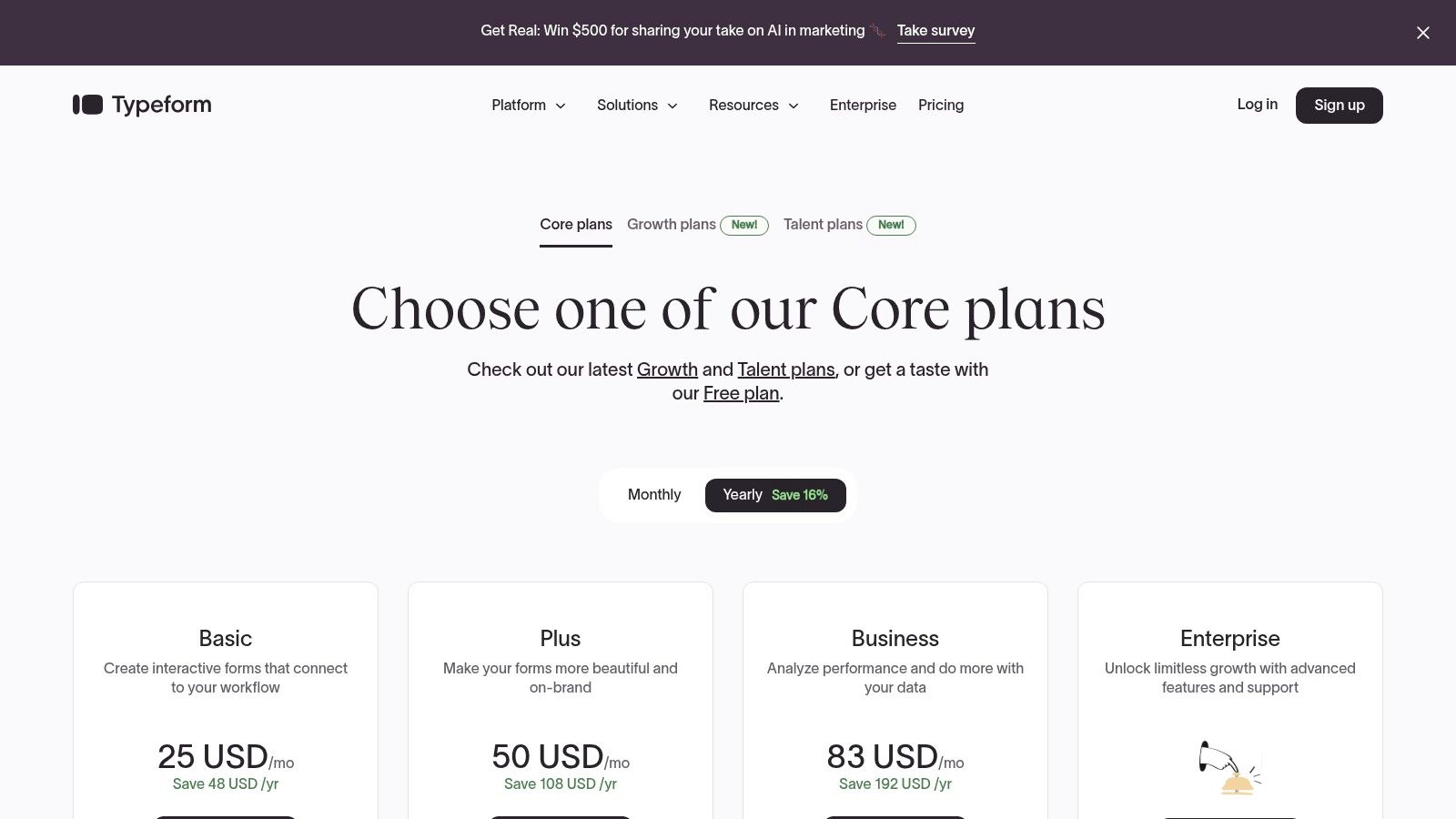
The platform’s strength lies in its user experience and customization, allowing businesses to embed their brand identity directly into the feedback process. With features like conversion tracking and drop-off analysis, you can see exactly where users stop responding and optimize your questions for better completion. Its extensive library of over 300 integrations, including Slack, Zapier, and Salesforce, ensures feedback data flows seamlessly into your existing workflows.
Key Details & Considerations
- Best For: Small to medium-sized businesses and marketing teams focused on maximizing respondent engagement and completion rates through beautifully designed, interactive forms.
- Pricing: Offers a free plan with limits. Paid plans start at $25/month (billed annually) and scale up with more responses and advanced features like AI insights.
- Pros: Highly engaging and intuitive respondent experience, clear plan structure from basic to enterprise, and extensive integration capabilities.
- Cons: Response caps on all plans can lead to overage costs for high-volume users, and some advanced analytics are reserved for higher-tier plans.
- Website: typeform.com/pricing
5. Hotjar
Hotjar is a digital experience insights platform that uniquely combines user behavior analytics with direct feedback. Its "Ask" product allows businesses to deploy on-site and in-app surveys, feedback widgets, and user interviews, making it one of the most context-rich customer feedback collection tools for understanding user experience. It excels by directly linking what users say with what they do, connecting survey responses to heatmaps and session replays.
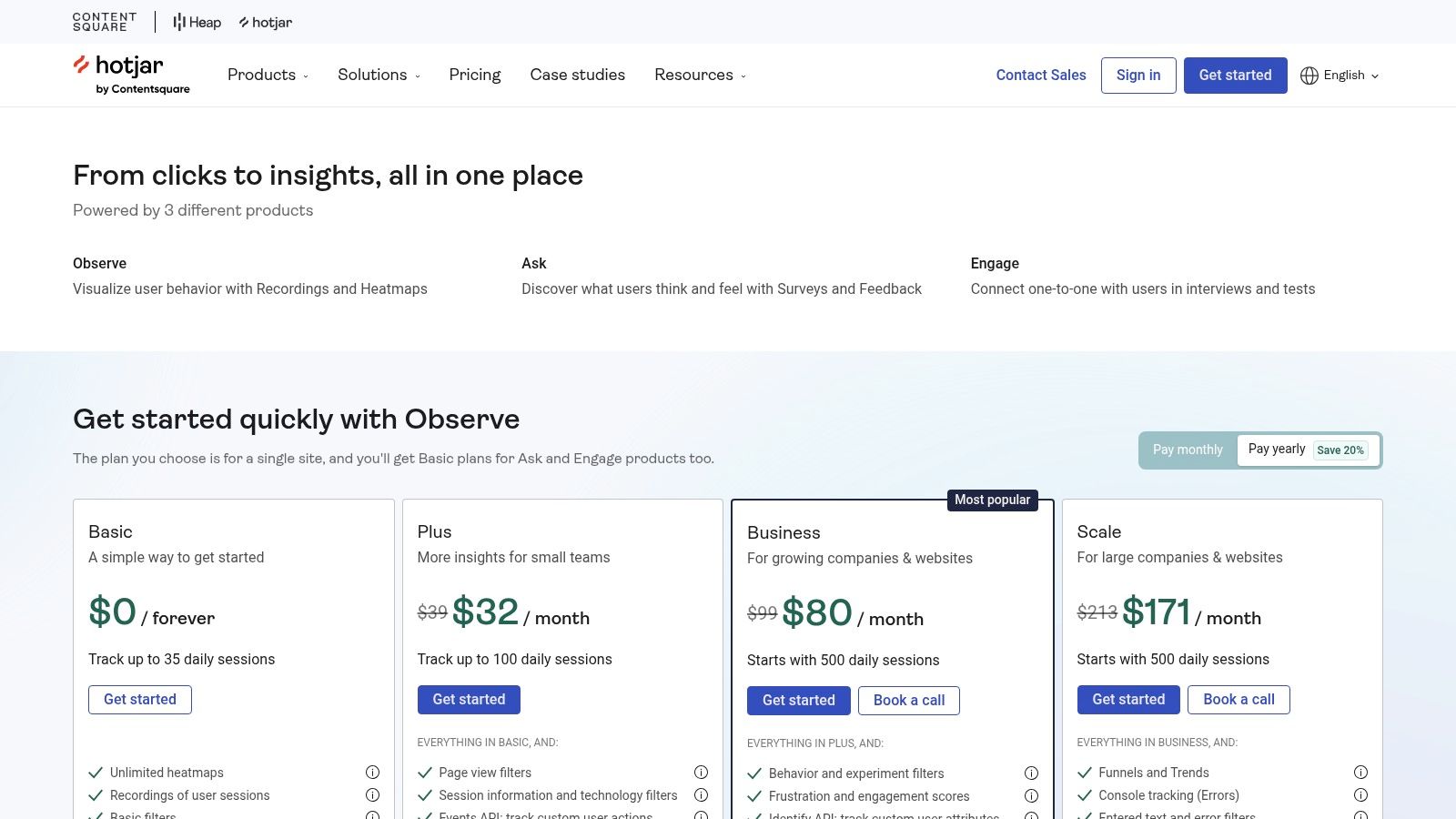
The platform’s strength is its ability to provide rapid, actionable insights for product and UX teams. With AI-powered survey creation and open-text summaries, you can quickly build effective surveys and analyze qualitative data at scale. Behavioral targeting via its Events API allows you to trigger feedback requests at precise moments in the user journey, such as after a purchase or feature interaction, ensuring feedback is both timely and relevant.
Key Details & Considerations
- Best For: Product managers, UX designers, and marketers who need to quickly understand the "why" behind user behavior on their website or app.
- Pricing: Offers a free-forever plan with limited responses. Paid plans scale with the number of sessions and responses needed, starting from $32/month for "Plus."
- Pros: Seamlessly pairs qualitative feedback with quantitative user behavior analytics, and it's incredibly quick and easy to implement on any website or application.
- Cons: Response allowances are tied to subscription tiers, and it's better suited for digital product feedback than for managing complex, omnichannel Voice of the Customer programs.
- Website: hotjar.com/pricing
6. Medallia
Medallia is an enterprise-grade customer experience platform that excels at capturing omnichannel feedback. As one of the most comprehensive customer feedback collection tools, it unifies signals from web, mobile, in-store, and contact center interactions into a single system. This allows large organizations to gain a holistic view of the customer journey and identify critical pain points across all touchpoints.
The platform’s power lies in its AI-driven analytics and integrated closed-loop workflows, which automatically trigger alerts and route issues to the correct teams for resolution. This focus on action management helps businesses close the loop with customers efficiently, turning detractors into promoters. Its sophisticated security and administration features also make it a trusted choice for global brands handling sensitive customer data. To see how AI is transforming this space, you can explore other top AI customer service tools.
Key Details & Considerations
- Best For: Large, complex enterprises that need a scalable, unified platform to manage and act on customer feedback from diverse channels across the entire organization.
- Pricing: Quote-based and targeted at enterprise deployments. It uses a usage-based model tied to "Experience Data Records," offering a predictable cost structure.
- Pros: Unified platform avoids the need to stitch together multiple tools, and its predictable cost model simplifies budgeting for omnichannel feedback programs.
- Cons: The platform's enterprise focus and pricing model make it less accessible for small businesses. A successful deployment requires significant program design and implementation time.
- Website: www.medallia.com/pricing
7. GetFeedback by SurveyMonkey
GetFeedback by SurveyMonkey is a customer experience platform designed for agility and deep CRM integration. It excels at capturing feedback across the digital customer journey with surveys for NPS, CSAT, and CES, making it a standout choice among customer feedback collection tools for organizations heavily invested in the Salesforce ecosystem. Its primary differentiator is the ability to push real-time feedback directly into Salesforce records, enriching customer profiles with actionable VoC data.

The platform is built to be user-friendly, allowing customer service and success teams to quickly launch mobile-optimized surveys triggered by specific journey touchpoints. This automation ensures that feedback is collected at the most relevant moments, such as after a support case is closed or a new product is delivered. The insights gathered can then be used to trigger alerts and workflows within Salesforce, enabling immediate follow-up and issue resolution.
Key Details & Considerations
- Best For: Businesses of all sizes that use Salesforce as their central CRM and need an easy-to-use tool to embed customer feedback directly into their existing workflows.
- Pricing: Custom quote-based. You must contact their sales team for a personalized plan based on your specific feature needs and usage volume.
- Pros: Exceptional, seamless integration with Salesforce, fast and straightforward implementation, and a focus on empowering service and success teams.
- Cons: Its core value is tightly linked to Salesforce, making it less ideal for companies using other CRMs. The quote-only pricing can also be a hurdle for smaller teams.
- Website: getfeedback.com/en/pricing
8. UserTesting
UserTesting is a specialized platform focused on gathering deep, qualitative human insights. It moves beyond quantitative surveys to help you see and hear the real experiences of users as they interact with your website, app, or prototype. As one of the leading customer feedback collection tools for user experience (UX) research, it allows you to run moderated and unmoderated tests, giving you video recordings of users thinking aloud as they complete tasks.
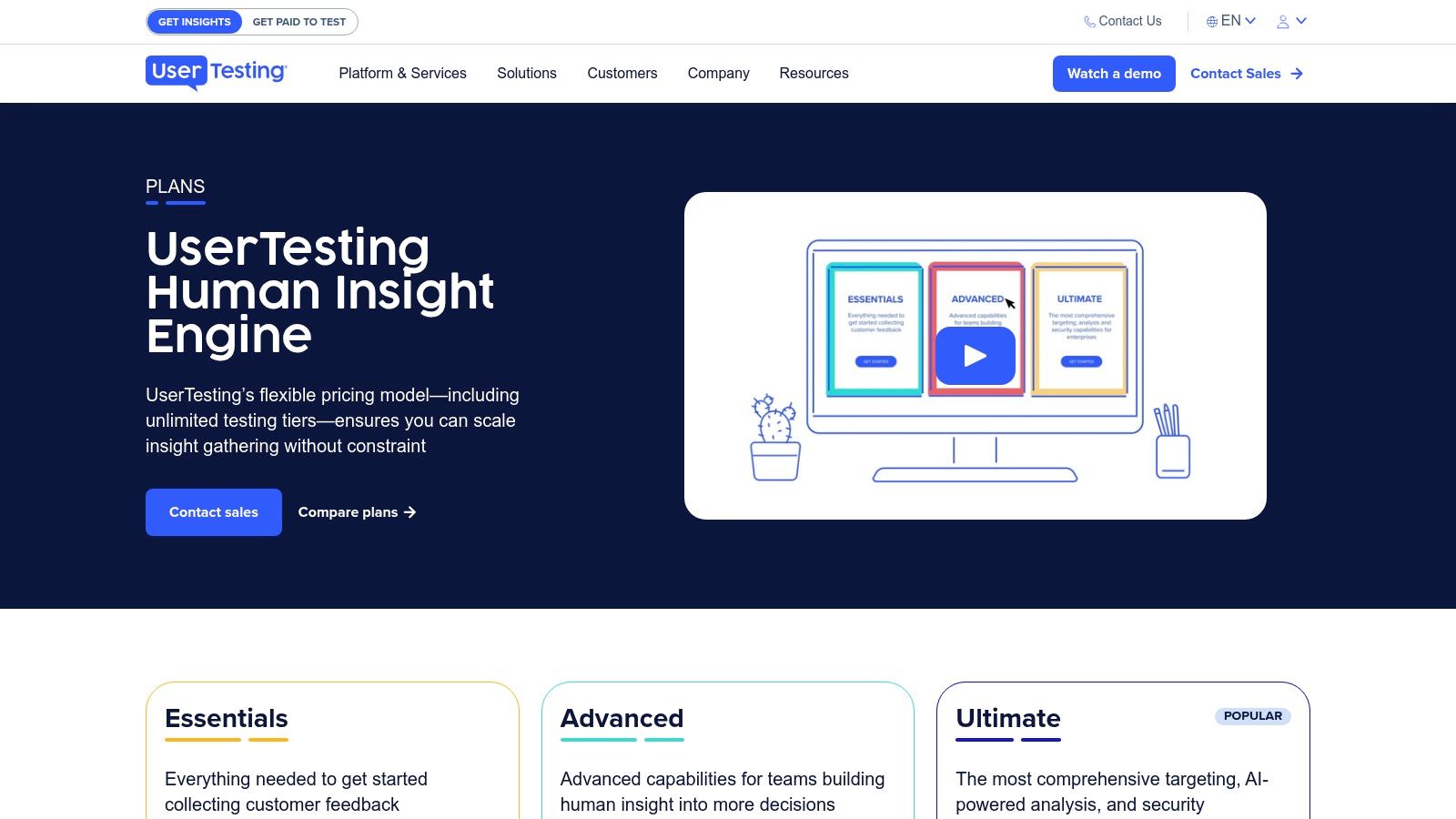
The platform stands out by providing access to its own managed panel of participants, which can be filtered by specific demographics and screener questions to find your ideal audience. Its AI-powered analytics help distill hours of video feedback into actionable summaries, interactive path flows, and sentiment analysis. This makes it easier for product, marketing, and UX teams to identify pain points and validate design decisions with direct customer evidence.
Key Details & Considerations
- Best For: Product managers, UX/UI designers, and marketers who need to understand the "why" behind user behavior and get qualitative feedback on prototypes, websites, and apps.
- Pricing: Custom quote-based, typically involving annual contracts. Plans are scalable but represent a higher investment than survey-only platforms.
- Pros: Delivers rich, actionable qualitative insights; offers access to a large, diverse participant panel; AI features help speed up analysis of video feedback.
- Cons: Pricing can be a significant barrier for smaller businesses or those with limited research budgets; the focus is on qualitative data, not large-scale quantitative metrics.
- Website: usertesting.com/plans
9. SurveySparrow
SurveySparrow stands out with its conversational survey interface, designed to make the feedback process more engaging and less robotic for the end-user. It offers an omnichannel approach, allowing businesses to distribute surveys via email, web embeds, SMS, and social media. This platform is more than just a survey builder; it's a comprehensive experience management tool that includes dedicated modules for Net Promoter Score (NPS), customer satisfaction (CSAT), and offline data collection.
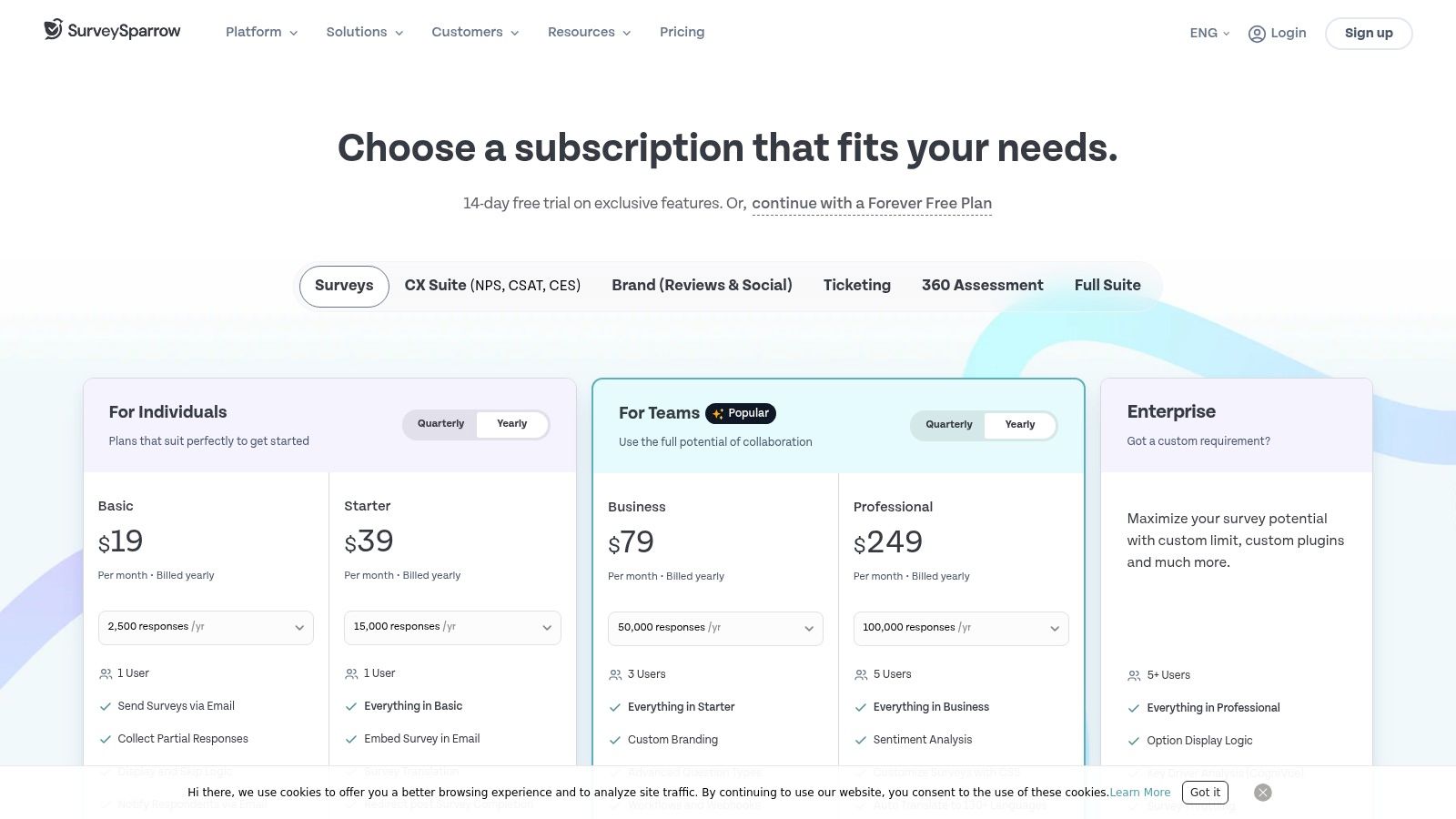
Its strength lies in making customer feedback collection tools feel more like a friendly chat, which can significantly boost response rates. The platform includes powerful automation features, allowing you to trigger surveys after specific customer interactions and set up workflows to close the feedback loop. This makes it a great choice for businesses looking to automate their feedback process without sacrificing a personal touch.
Key Details & Considerations
- Best For: Small to mid-sized businesses (SMBs) and marketing teams looking for an engaging, mobile-first survey tool with a modern user interface and flexible pricing.
- Pricing: A free plan is available for basic use. Paid plans start with response-based pricing, offering flexibility as your feedback volume grows. Higher-tier plans unlock advanced features like HIPAA compliance and extensive language support.
- Pros: Highly engaging conversational format, flexible pricing model that scales with usage, and a clean, modern user interface that is easy to get started with.
- Cons: Some of the most powerful automation and analytics features are reserved for higher-tier plans, and enterprise-level users may need to purchase add-ons for a fully comprehensive solution.
- Website: surveysparrow.com/pricing
10. G2 Software Marketplace
While not a direct feedback tool, G2 is an essential resource for researching and comparing various customer feedback collection tools. As a peer-reviewed software marketplace, it aggregates verified user reviews, ratings, and detailed feature comparisons, allowing you to filter options based on your specific business needs. This makes it an invaluable first step in the vendor selection process.
G2's platform allows you to create side-by-side comparisons of different tools, evaluating them on everything from ease of use to quality of support. Its grid reports and category filters for customer feedback survey software help teams quickly move from a long list of potential vendors to a manageable shortlist. This data-driven approach ensures you are choosing a tool that is well-regarded by users with similar company sizes and use cases.
Key Details & Considerations
- Best For: Teams in the research and evaluation phase who need to compare features, pricing, and user satisfaction across a wide range of feedback tools before committing to a demo or trial.
- Pricing: Free to browse and compare software. Vendors pay for enhanced profiles and marketing placements.
- Pros: Extensive coverage of vendors, verified user reviews provide authentic insights, and powerful filtering tools help create a data-backed shortlist.
- Cons: Review depth can be inconsistent, and sponsored listings may influence the order of appearance. It's best to validate findings with free trials.
- Website: g2.com/categories/survey/f/customer-feedback-surveys
11. Capterra
Capterra is a comprehensive software review and comparison platform, not a direct collection tool itself. Instead, it serves as an invaluable research hub where businesses can discover, compare, and select the right customer feedback collection tools for their specific needs. Owned by Gartner, it offers extensive directories for categories like NPS and Customer Satisfaction software, aggregates verified user reviews, and provides detailed product information to help buyers make informed decisions.
The platform's strength lies in its user-friendly filtering system, allowing you to narrow down options by features, pricing models, deployment type, and business size. This curated approach helps teams quickly move from a long list of potential vendors to a manageable shortlist. Capterra provides a crucial starting point for any company looking to invest in a feedback solution by consolidating market research into a single, accessible directory.
Key Details & Considerations
- Best For: Businesses in the initial research phase, looking to compare a wide range of feedback tools based on verified user reviews and specific feature requirements.
- Pricing: Free to use for software buyers. Vendors pay for listings and lead generation.
- Pros: Extensive library of software with thousands of verified user reviews, powerful filtering to find the right fit, and direct links to vendor websites for trials.
- Cons: Sponsored placements can appear above organic results, so it's wise to look beyond the first few listings. Users should cross-reference reviews with other sources.
- Website: capterra.com/nps-software
12. AWS Marketplace
While not a feedback tool itself, AWS Marketplace is a digital catalog that simplifies how organizations find, buy, and deploy third-party software. For businesses already operating within the Amazon Web Services ecosystem, it offers a streamlined way to procure leading customer feedback collection tools like Qualtrics, SurveySparrow, and others. The key advantage is consolidating software procurement and billing directly through an existing AWS account, which simplifies vendor management and invoicing.
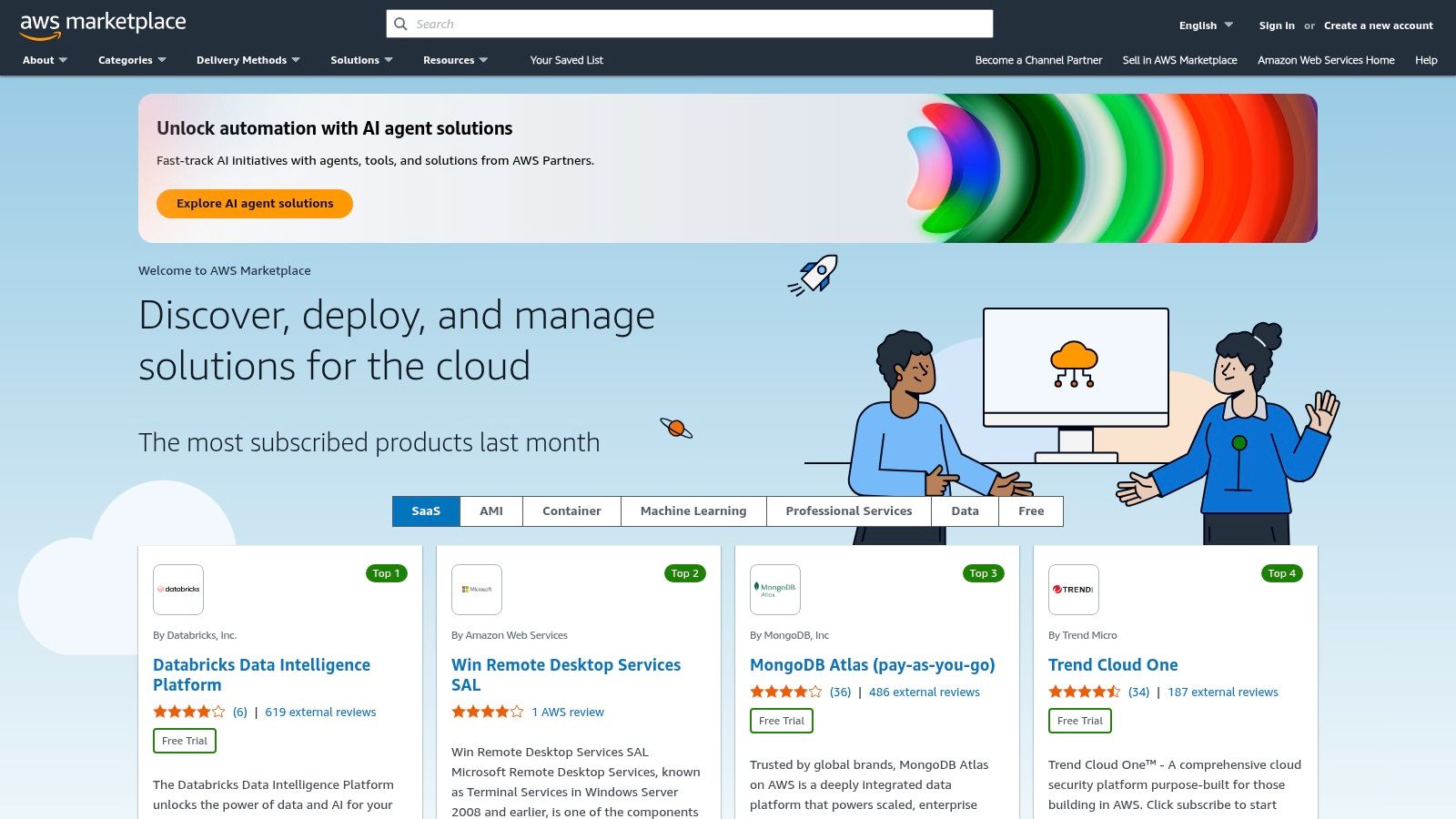
The platform allows IT and procurement teams to manage subscriptions, control spending, and leverage private offers from vendors for customized pricing and terms. This approach is particularly useful for enterprises that need to maintain strict procurement controls and prefer to centralize their software subscriptions. Instead of managing separate contracts and payment schedules, everything is integrated into one predictable AWS bill, making it a strategic choice for organizational efficiency.
Key Details & Considerations
- Best For: Companies heavily invested in the AWS ecosystem that want to simplify procurement and centralize billing for their software stack, including feedback tools.
- Pricing: Varies by vendor. Pricing is set by the individual software providers listed on the marketplace, with options for public pricing or private, negotiated offers.
- Pros: Streamlined purchase and renewal process through AWS, consolidates vendor management and billing, and offers enterprise-level procurement controls.
- Cons: Not all feedback tools are available on the marketplace, and pricing details can sometimes require direct contact with the vendor.
- Website: aws.amazon.com/marketplace
Customer Feedback Tools Comparison Summary
| Product | Core Features & Integrations | User Experience & Quality Metrics | Value & Pricing Model | Target Audience | Unique Selling Points |
|---|---|---|---|---|---|
| Yoonoo | AI chatbot builder, learns from content, chat widget and inline chat, API email automation | 5-minute no-code setup, context-aware AI | Pay-per-use credits; first 10 indexed pages free; no message expiry | Small businesses, e-commerce, support teams | Fast setup, content-driven AI, flexible integrations, cost-effective pay-as-you-go |
| Qualtrics XM | Omnichannel feedback, AI analytics, closed-loop workflows, Salesforce & SAP integrations | Comprehensive analytics and dashboards | Quote-based pricing; enterprise scale | Large enterprises, multi-department programs | Mature VoC platform, scalable, AI-driven insights |
| SurveyMonkey | Survey templates, logic, common SaaS integrations | Fast launch, collaboration tools | Tiered plans with feature and response limits | Small to large teams | Wide template library, brand trust, Salesforce app |
| Typeform | Unlimited forms/questions, 300+ integrations, AI insights on higher plans | Engaging respondent experience, multi-language | Tiered plans with response caps; overages apply | Marketing, product, service feedback teams | High UX focus, clear plan levels, AI insights |
| Hotjar | Surveys, feedback widgets, heatmaps, session replays | Easy setup; combines UX feedback and behavior | Subscription plans with response allowances | Digital product teams, UX researchers | Behavior-linked feedback, AI survey creation |
| Medallia | Omnichannel VoC, AI insights, closed-loop actions | Unified platform for multi-channel feedback | Quote-based; usage model via Experience Data Records | Enterprises, omnichannel programs | Enterprise-grade scale, predictable costing |
| GetFeedback by SurveyMonkey | Salesforce-aligned CX surveys, real-time alerts | Quick launch, real-time Salesforce integration | Quote-based pricing | Salesforce-reliant organizations | Deep Salesforce integration, automated feedback workflows |
| UserTesting | Qualitative testing, AI summarization, integrations | Deep qualitative insights, visual reporting | Quote-based, annual contracts | UX/product teams, enterprises | Rich qualitative data, scalable plans |
| SurveySparrow | Conversational surveys, workflows, multi-language, HIPAA option | Modern UI, SMB-friendly | Free tier, usage-based paid tiers | SMBs to medium businesses | Conversational CX, flexible pricing |
| G2 Software Marketplace | Vendor listings, feature filters, user reviews | Easy side-by-side comparisons | Free to use | Buyers researching feedback software | Broad vendor coverage, peer reviews |
| Capterra | Verified reviews, buyer filters | Transparent rankings, vendor direct links | Free to use | Buyers researching customer satisfaction tools | Extensive directories, buyer-friendly filters |
| AWS Marketplace | SaaS vendor listings, AWS billing integration | Procurement via AWS | Varies; often subscription-based | AWS users, enterprises | Streamlined procurement in AWS ecosystem |
Making Your Final Choice and Taking Action
We've explored a wide spectrum of powerful customer feedback collection tools, from comprehensive enterprise platforms like Qualtrics XM and Medallia to versatile survey creators like SurveyMonkey and Typeform. We also looked at specialized tools for user behavior analysis like Hotjar and video feedback platforms like UserTesting. The key takeaway is that there is no single "best" tool for everyone; the ideal solution is the one that fits your unique business needs.
Your final decision should not be based on features alone. It's about finding a platform that aligns with your company's stage, budget, and most importantly, your goals for the feedback you collect. What you do with the data is far more important than how you gather it.
How to Choose the Right Tool for Your Business
To move from this list to a final decision, you need a clear selection process. Start by answering these fundamental questions with your team:
- What is our primary goal? Are you trying to improve product features, reduce customer churn, increase website conversions, or measure brand perception? Your goal dictates the type of feedback you need.
- What is our budget? Be realistic. A small business doesn't need an enterprise-level suite. Many powerful tools offer free or low-cost plans that provide significant value.
- Who will manage the tool? Do you have a dedicated research team, or will a single marketer or product manager be running the show? This will influence whether you need a simple, user-friendly interface or a more complex, customizable platform.
- How will it integrate with our existing workflow? The best customer feedback collection tools connect seamlessly with your CRM, help desk software, or analytics platforms (like Slack, Salesforce, or Hubspot). This ensures that insights are shared and acted upon, not left siloed in a dashboard.
Your Actionable Next Steps
Armed with the answers to those questions, you can now take concrete steps toward implementation. Don't let analysis paralysis stop you.
- Create a Shortlist: Select two or three tools from our list that best match your answers. For example, if you need deep, qualitative insights, you might compare UserTesting and Yoonoo. If you need robust, quantitative survey data, your comparison might be between SurveyMonkey and Qualtrics.
- Sign Up for Trials and Demos: This is the most critical step. A tool can look perfect on paper, but a hands-on trial will reveal its true usability. Run a small, real-world test. Send a survey to a segment of your customers or ask a few team members to test its features.
- Evaluate and Decide: Compare your shortlisted tools based on your trial experience. Consider ease of use, the quality of analytics and reporting, and the level of customer support provided. Make your choice and commit to integrating it fully into your processes.
Remember, collecting customer feedback is not a one-time project; it's an ongoing conversation. The right tool will make that conversation easier, more insightful, and ultimately more profitable. It bridges the gap between what you think your customers want and what they truly need, paving the way for smarter decisions and sustainable growth.
Ready to move beyond traditional surveys and uncover deep, actionable insights? Yoonoo uses AI to conduct conversational interviews at scale, giving you the "why" behind customer feedback. Explore how Yoonoo can transform your understanding of your customers today.